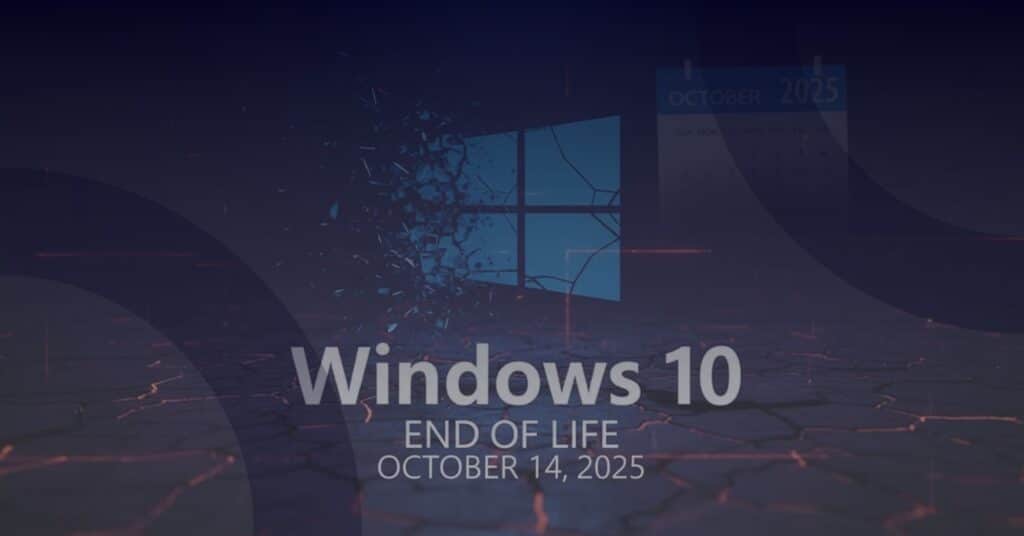
Support for Windows 10 has officially ended. On October 14th 2025, Microsoft stopped releasing regular updates, bug fixes, and technical assistance for the operating system. So, is that good news or bad news? Well, the truth sits somewhere in the middle, and it’s worth understanding why.
The good
The good news is that Microsoft will still release important security updates for a little while longer… but only for those paying to enrol in the Extended Security Updates (ESU) program. The scheme is set to run until October 13th 2026, giving businesses a bit more time to get organised and move their devices over to Windows 11. This can make the transition to Windows 11 less disruptive, offering some breathing room to test software compatibility, train staff, and avoid any rushed decisions.
The bad
Unfortunately, the ESU program is a temporary bridge, not a loophole. This means it won’t help you maintain regulatory compliance. If your hardware isn’t compatible with Windows 11, even enrolling in the ESU program won’t ensure long-term compliance with frameworks like Cyber Essentials, PCI DSS, or many cyber insurance policies. Once the scheme ends, Windows 10 devices will no longer be running a supported operating system, and that’s a core requirement for almost every compliance standard.
The ugly
The ugly side appears when non-compliance turns into real-world loss. And it certainly does happen. In fact, over in Canada, the city of Hamilton in Ontario lost the equivalent of £10 million following a ransomware attack when their insurer refused the claim due to non-compliance. And it’s not just about insurance. Losing Cyber Essentials certification can instantly make your business ineligible for public-sector contracts or preferred-supplier frameworks, resulting in lost opportunities and profits.
What now?
Now is the time to check your compliance posture. Identify which devices still run Windows 10, confirm whether they’re compatible with the Windows 11 upgrade, and move forward from there.
If devices are not Windows 11 compatible, they’re going to need to be replaced in order to ensure ongoing compliance. While you can choose to enrol them in the ESU program for the time being, priority should be given to identifying new solutions and introducing these as soon as possible.
For devices that are compatible, breathe! You’ll need to upgrade them as soon as you’re able, but the ESU scheme is designed to give you that little extra time to plan your migration before the final deadline arrives. Use this time to roll out a migration strategy that works for you and your team.
We’re here to help
Our team here at Reliable Networks can help you assess your current environment, flag non-compliant devices, and create a phased upgrade plan that keeps your business protected and compliant. Get in touch with us for guidance in navigating the Windows 10 end-of-life period. We’ll help you to ensure that you’re doing everything you can to keep your data and customers safe.