The traditional IT onboarding process is highly inefficient and increasingly unsuited for modern, hybrid workforces. When a new employee joins an organisation, IT teams typically waste hours manually unboxing laptops, installing operating systems, downloading applications, and configuring security settings before physically handing the device over.
If a device is not fully prepped on day one, the new hire sits idle. This creates a frustrating first impression, delays their productivity, and forces your highest-paid IT engineers to spend their time acting as an assembly line.
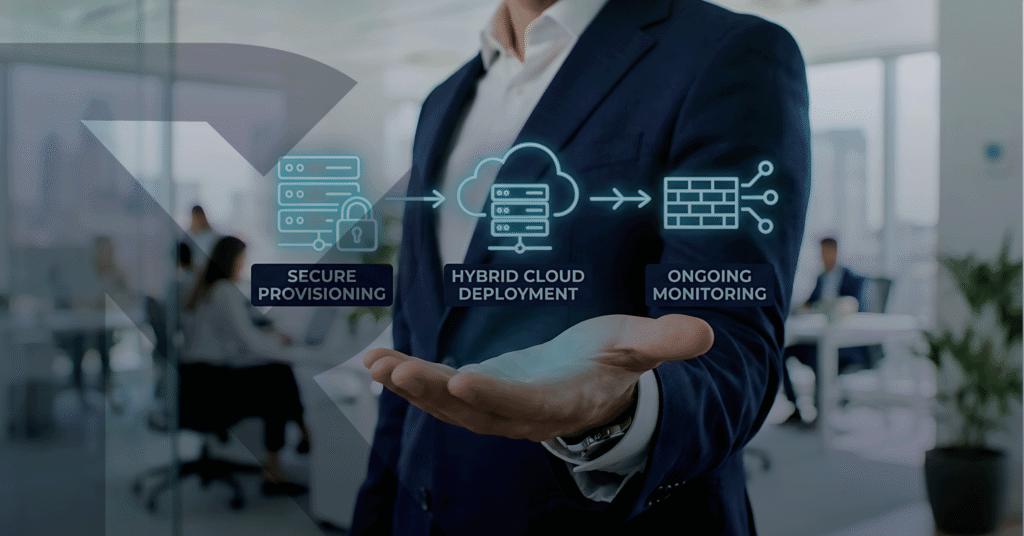
Modern businesses require frictionless deployment. At Reliable Networks, we provide automated endpoint configuration leveraging Windows Autopilot and Apple Business Manager for immediate onboarding.
By eliminating the manual configuration process entirely, we transform Day 1 from a logistical headache into a seamless, productive experience.
The Operational Advantages of Zero-Touch Provisioning
Zero-touch deployment shifts the burden of device configuration from the physical IT desk to the cloud, allowing your organisation to scale its workforce rapidly and efficiently.
1. True Zero-Touch Deployment
We bypass the IT staging desk entirely. New hardware is shipped directly from the manufacturer or distributor straight to your employee’s home or office. The moment the employee connects the device to the internet and logs in with their corporate credentials, the laptop automatically reaches out to the cloud and configures itself to your exact corporate standards. IT never has to touch the physical machine.
2. Standardised Role-Based Profiles
Not every employee needs the same software. We configure dynamic deployment profiles that align with specific roles within your business. As the device provisions itself, it automatically downloads the exact applications, network drives, and security permissions required for that specific user, ensuring they have the right tools from the moment they log in.
3. Seamless Microsoft 365 Integration
Our automated provisioning workflows integrate flawlessly with our Managed Microsoft 365 services. By leveraging Microsoft Entra ID (formerly Azure AD) and Intune, users immediately receive their Outlook profiles, Teams access, and SharePoint permissions during the initial setup, allowing them to start collaborating within minutes.
4. Immediate Security & Compliance
Manual laptop builds are prone to human error, which can lead to missed security patches or forgotten encryption. With automated provisioning, every device is forced to meet a strict security baseline before the user is granted access to corporate data. Disk encryption, advanced endpoint protection, and strict IT Supportmonitoring agents are installed unconditionally out-of-the-box.
Is Manual Laptop Configuration Slowing Down Your IT Team?
Stop wasting your technical resources on manual software installations. Whether you are opening a new office, scaling a remote workforce, or simply trying to modernise your internal operations, zero-touch deployment is the standard for enterprise IT. Accelerate your onboarding process today.
Book Your Consultation
Contact Reliable Networks to schedule an Endpoint Automation Consultation. Our cloud architects will evaluate your current deployment workflow and demonstrate how Windows Autopilot can eliminate manual configuration from your IT department forever.