Microsoft 365 gives businesses access to some great security tools, but it doesn’t automatically make an organisation secure. Under Microsoft’s shared responsibility model, Microsoft protects the platform, but it’s you, the customer, who remains responsible for protecting your users, devices and data. That’s why it’s so important to make sure your M365 security settings are configured properly.
Here are 10 settings that we find small businesses often overlook or don’t configure quite right:
1. Multi-Factor Authentication Enforcement
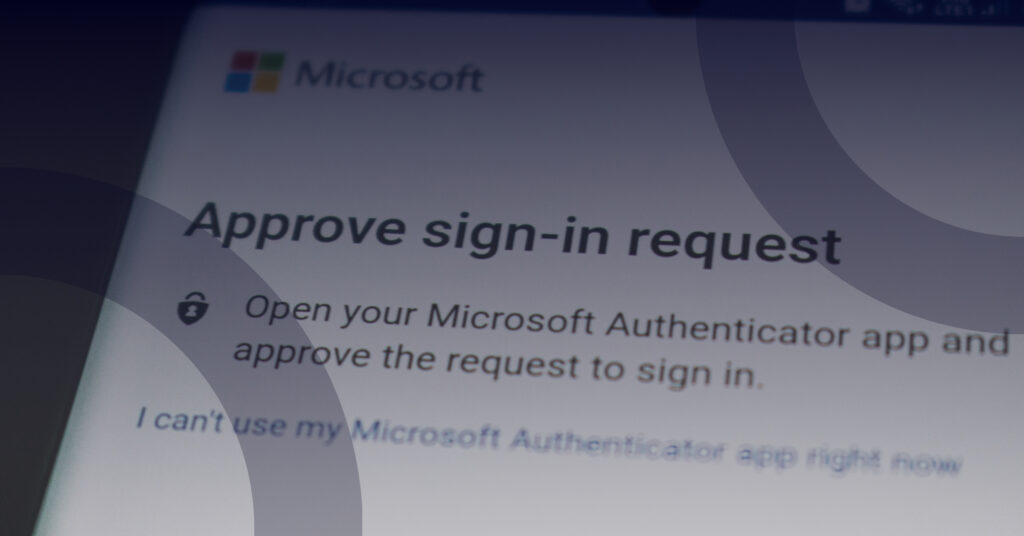
MFA is one of the simplest ways to protect accounts if passwords are stolen or lost, but having it available isn’t enough. It needs to be properly enforced across relevant users, rather than relying on individuals to activate it themselves or allowing temporary exceptions to hang around indefinitely.
2. Conditional Access Policies
You can use Conditional Access to set rules for different login attempts, based on factors such as location, sign-in risk, and whether the device meets your own organisation’s security requirements. This gives you more control over who has access and when extra verification is required.
3. Legacy Authentication Blocking
Older authentication protocols may still be enabled because an organisation once needed them for an application or device. The problem is that they can bypass modern security controls, creating a now-unnecessary route into Microsoft 365 that everybody has probably forgotten is even there.
4. Privileged Access Controls
Global Administrator access shouldn’t be handed out simply because somebody works in IT or occasionally needs to change settings. It’s important to review who has privileged access, remove permissions that aren’t necessary, and keep highly powerful accounts to an absolute minimum.
5. External Sharing Settings
Microsoft makes sharing files incredibly convenient, but it’s essential to continually review who can share information externally and what sort of information they’re allowed to share. Also be sure to keep on top of guest access and old accounts, removing sharing permissions in a timely manner.
6. Secure Defaults for SharePoint and Teams
Teams and SharePoint can gradually become messy as new sites, teams, and workspaces are created. Check default sharing permissions, guest access, and other collaboration settings so that sensitive information isn’t accidentally made available to far more people than anyone ever intended.
7. Defender for Office 365 Configuration
Having Defender for Office 365 included in your licensing doesn’t mean that every protection is configured appropriately for your business. Check Safe Links, Safe Attachments, and anti-phishing controls to make sure they reflect how your organisation uses email and collaborates day to day.
8. Email Authentication
SPF, DKIM. and DMARC help other mail systems confirm whether messages claiming to come from your domain are genuine. Getting all three configured correctly makes it much harder for cyber criminals to impersonate your organisation and send convincing emails to others in your name.
9. Data Retention and Recovery
Microsoft 365 usually contains business-critical emails, documents, and conversations, so you need to know what happens should something disappear. Review retention and recovery arrangements, how long information is kept for, and whether they actually meet the needs of your business.
10. Audit Logging
When something suspicious happens, you need enough information to work out what really took place. Audit logs provide visibility into activities across Microsoft 365, but only if the right information is being captured, retained, and made available when somebody needs to investigate it.
Is your Microsoft 365 tenant secure?
Here at Reliable, we carry out Microsoft 365 audits and security assessments to uncover configuration gaps before they become bigger problems. We’ll review your setup, identify what needs fixing, and provide a prioritised remediation roadmap alongside a clear executive summary.
You’ll know where you stand, what needs attention, and what to do next.